
About this project
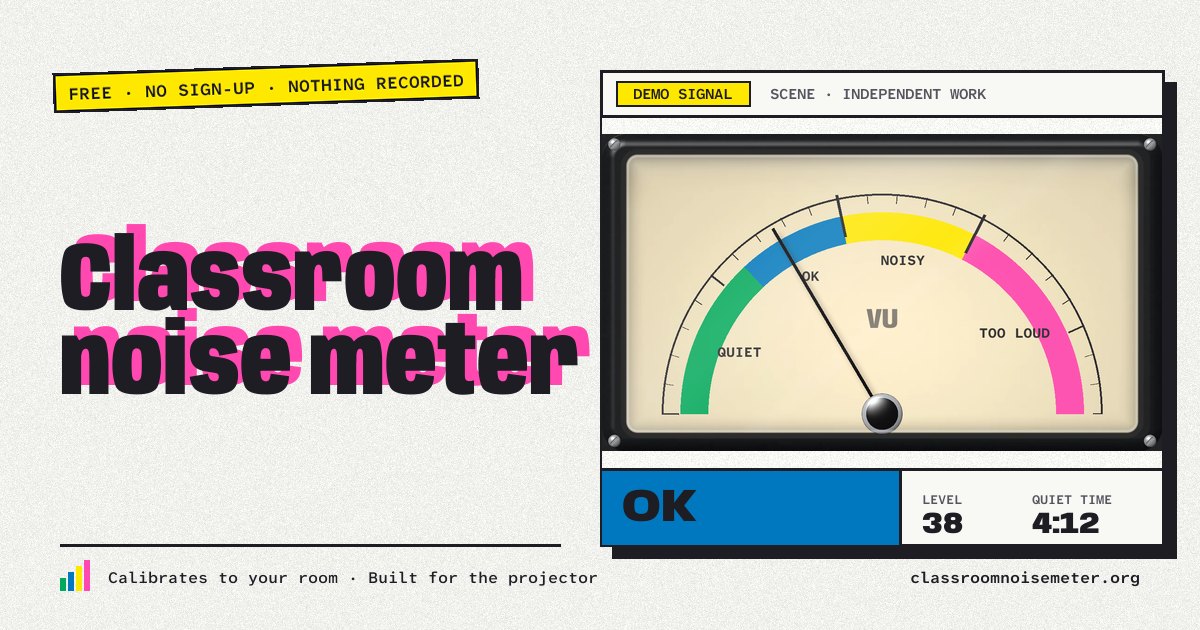
Classroom Noise Meter turns a projector and a microphone into a calm-room signal your class can read from the back row. Open the site, allow the microphone, and spend ten quiet seconds setting the room's own floor. From then on the screen shows Quiet, OK, Noisy or Too loud; thresholds sit a fixed distance above that floor, so the same display works in a hushed library and a busy art room.
There are no decibel numbers to interpret. Pick a visual mode (standard meter, bubbles, bouncing balls, traffic light, monitor or custom pictures), pick a scene (Test, Independent, Group, Free time) and leave it on screen. A marble drops into the Quiet jar for every quiet minute, so the class can work toward a goal and a reward.
The meter never records or uploads audio: sound is reduced to a loudness number about twenty times a second and discarded. The meter, visual modes, today's Quiet jar, lesson report and class tools are free with no account. Optional Pro is $36/year for synced classes (up to 40), per-class Quiet jars and weekly or term reports.
It runs in Chrome, Edge, Firefox and Safari on Chromebooks, iPads and classroom displays, and is installable and usable offline. Made independently, not by a school district or an ed-tech company.
 @classroomnoisemeter
Maker on sideprojects.net
View profile