
About this project
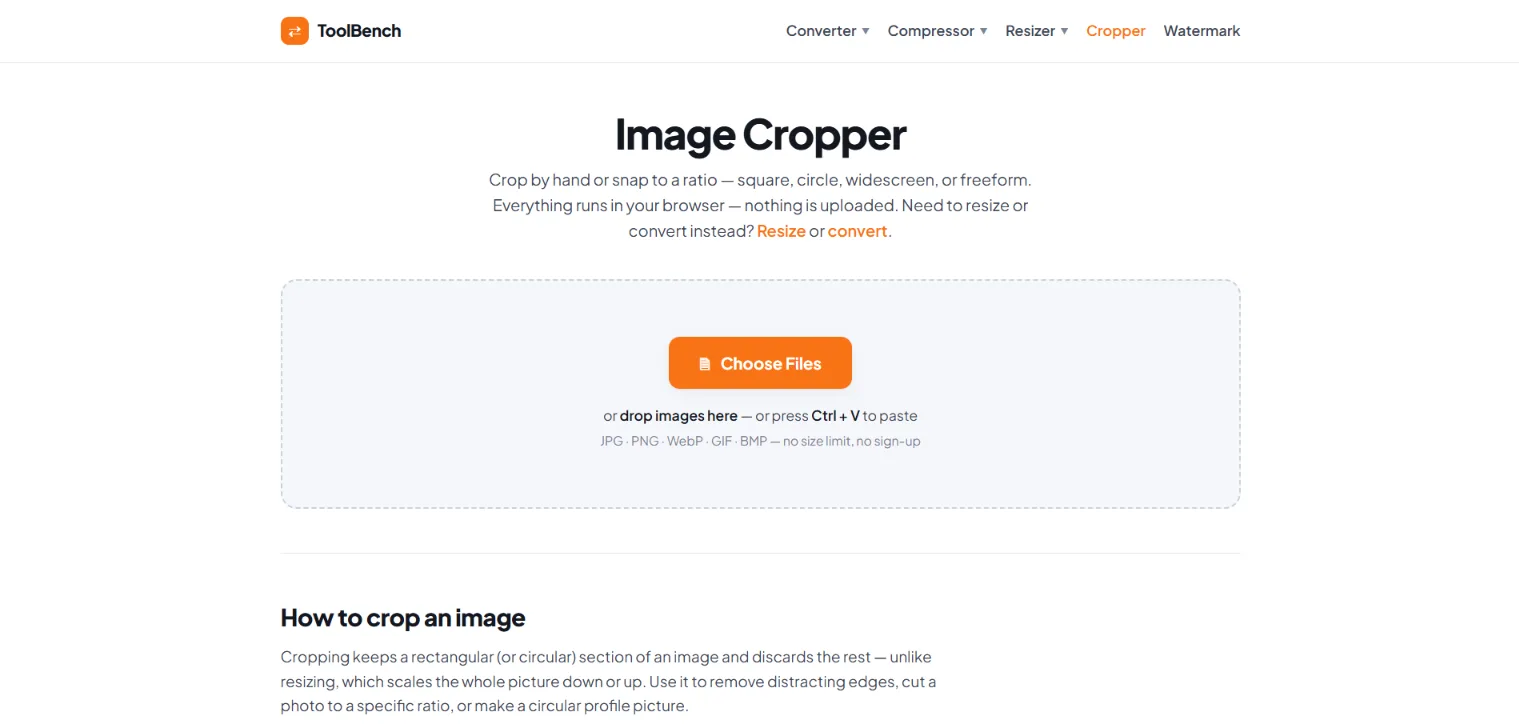
ToolBench Image Cropper is a free online tool that makes it easy to crop photos and images directly in your browser. Choose a freeform crop or use popular aspect ratios such as Square 1:1, Circle, 4:3, 3:2, Widescreen 16:9, and Story 9:16 to create the right size and shape for your needs.
You can crop JPG, PNG, WebP, GIF, and BMP images without installing software or creating an account. Simply add your image, select a crop ratio, adjust the crop box, and apply the crop. You can also add multiple images and crop them one at a time, then download your completed images together as a ZIP file.
The tool is useful for creating profile pictures, social media images, website graphics, YouTube thumbnails, story images, banners, and other visual content. The Circle option can also create a square PNG with transparent corners for platforms that display profile images as circles.
Your privacy is protected because cropping happens directly in your browser. Your images are not uploaded to a server, stored online, or sent anywhere during the cropping process.
Whether you need to remove unwanted edges, focus on a subject, change an image's aspect ratio, or prepare a photo for social media, ToolBench provides a simple and convenient way to crop images online for free.
 @awais0099khan
Maker on sideprojects.net
View profile
@awais0099khan
Maker on sideprojects.net
View profile