imgmov Last Frame Extractor
Inspect a clip ending and save its decoded frame as a PNG, locally in your browser.
About this project
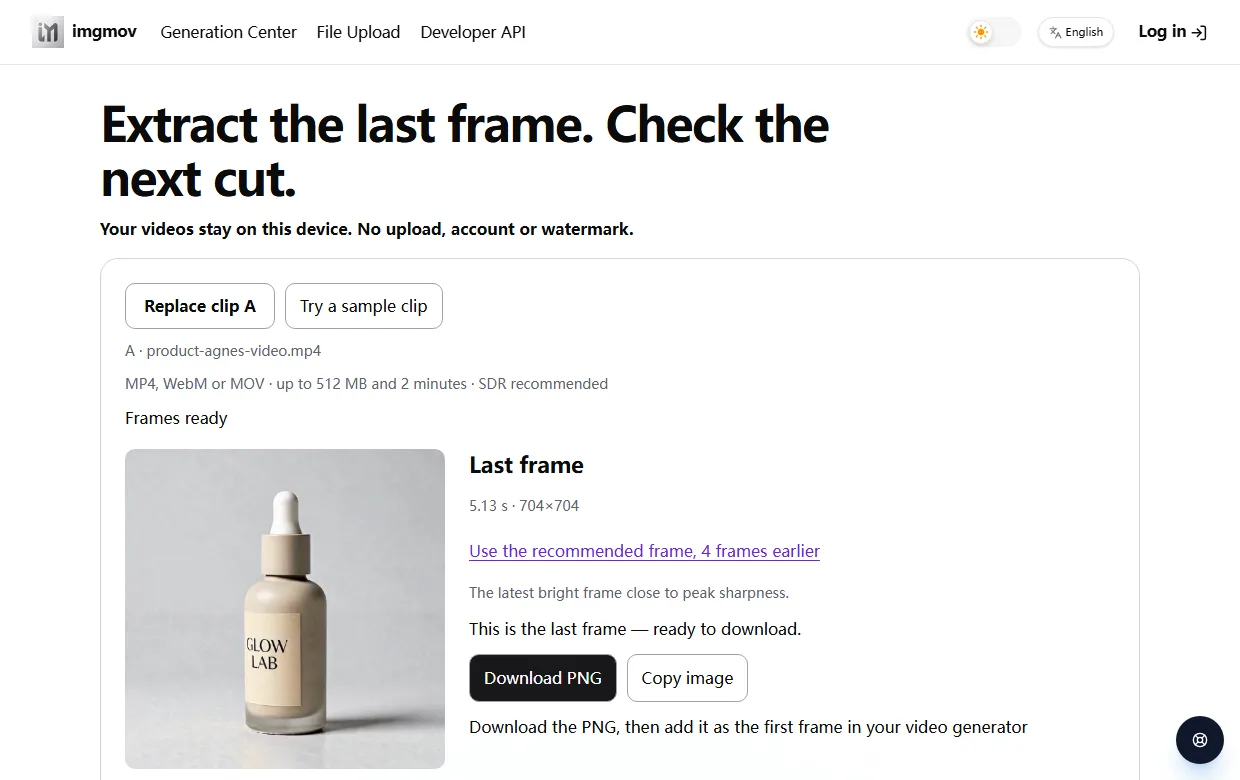
Need a reference image from the end of a product demo or a clip you want to continue? This free utility opens a local video and saves an ending frame as a PNG without uploading the selected video. No extractor account is needed.
A small workflow to try
- Open your clip, or try the built-in sample.
- Compare the final frame with nearby earlier frames. A dark fade or blurred ending may be a poor reference even when it is technically the last frame.
- Download the latest acceptable image for an editing brief or your next video-making step. If you step back, make the cut match the reference.
- Optionally add a second clip and inspect the join using side-by-side images, an overlay, and a preview.
The recommendation and measured picture change support inspection; neither proves visual continuity. The PNG uses the decoded video's display resolution rather than a screenshot of the player window. Compression losses remain, and HDR is not preserved in the image export.
This is a focused frame-extraction utility. It can prepare a trim command, but it does not export a trimmed video. MP4, WebM, and MOV decoding depends on browser codec support; SDR clips are recommended.
 @bigwalkguide
Maker on sideprojects.net
View profile
@bigwalkguide
Maker on sideprojects.net
View profile