About this project
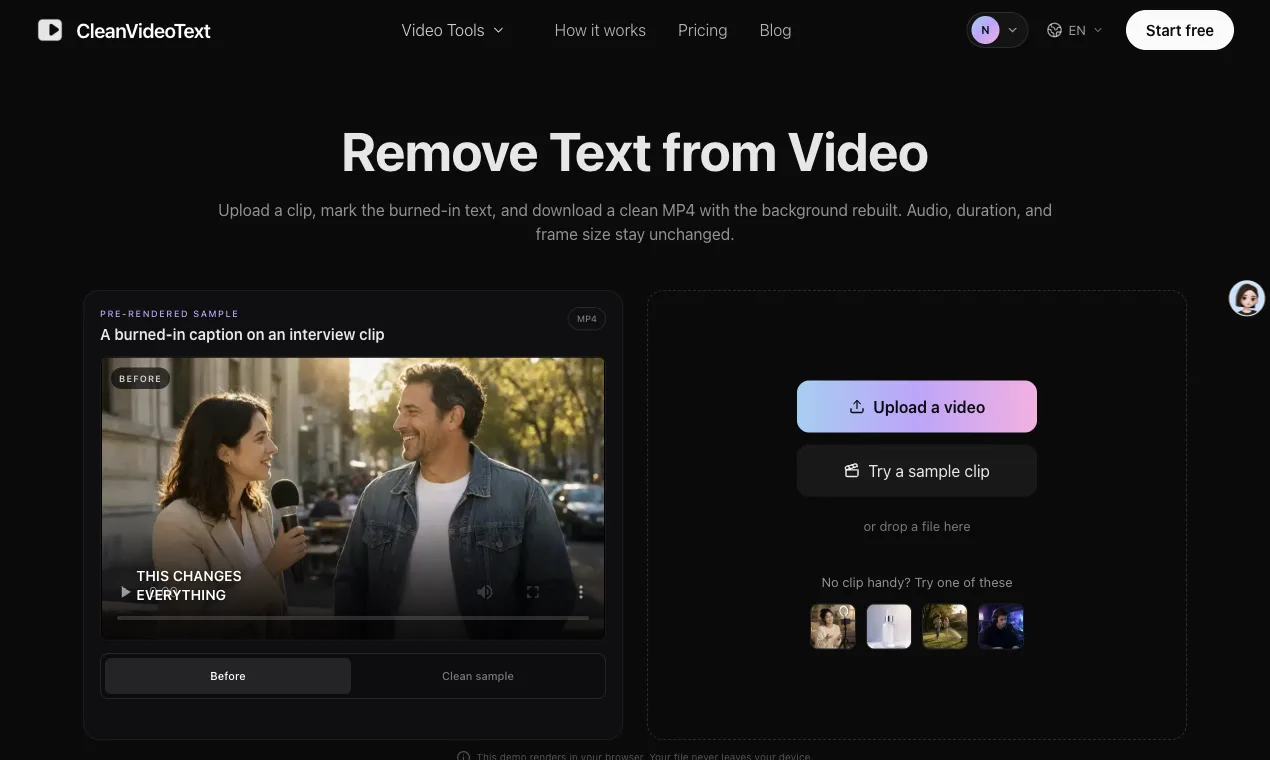
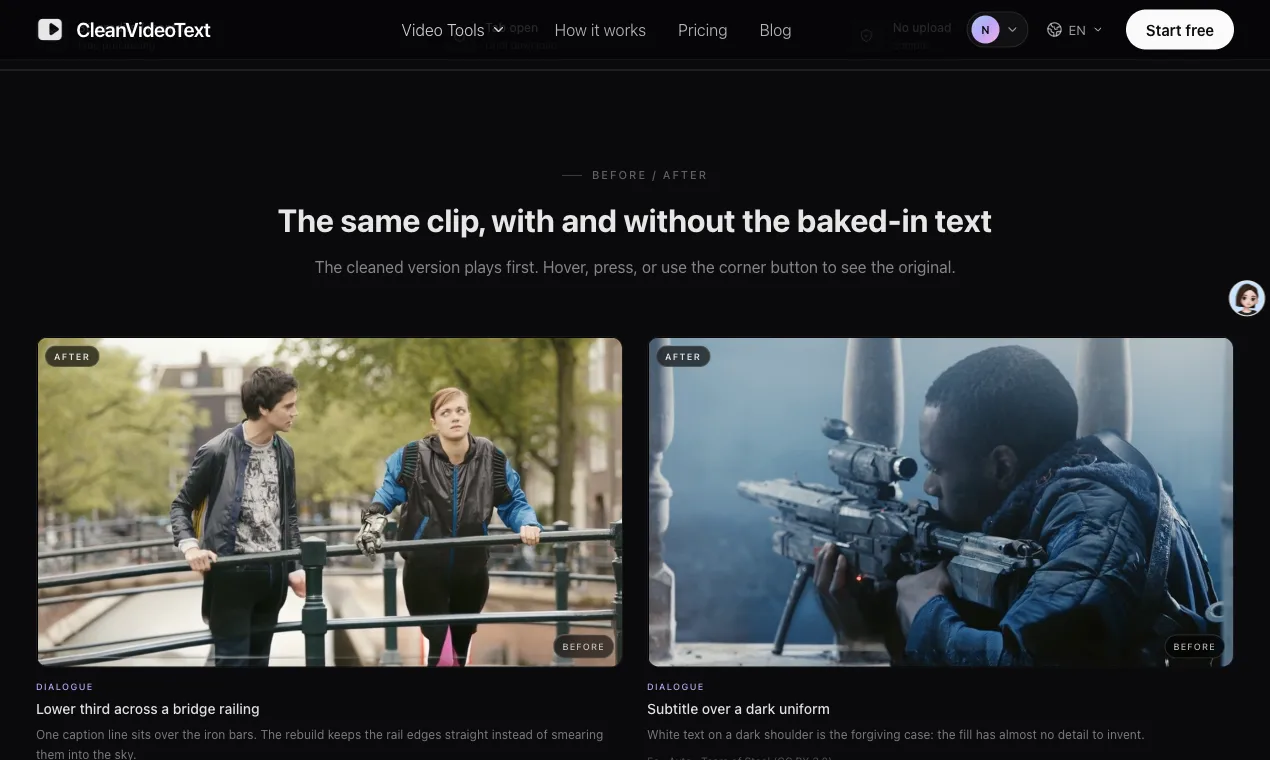
CleanVideoText removes text that is already part of the picture: hardcoded subtitles, open captions, handles, stickers and logos. Instead of covering the words with a bar or cropping the frame, it rebuilds the background behind them and exports an MP4 that keeps the original audio and frame size.
How it works
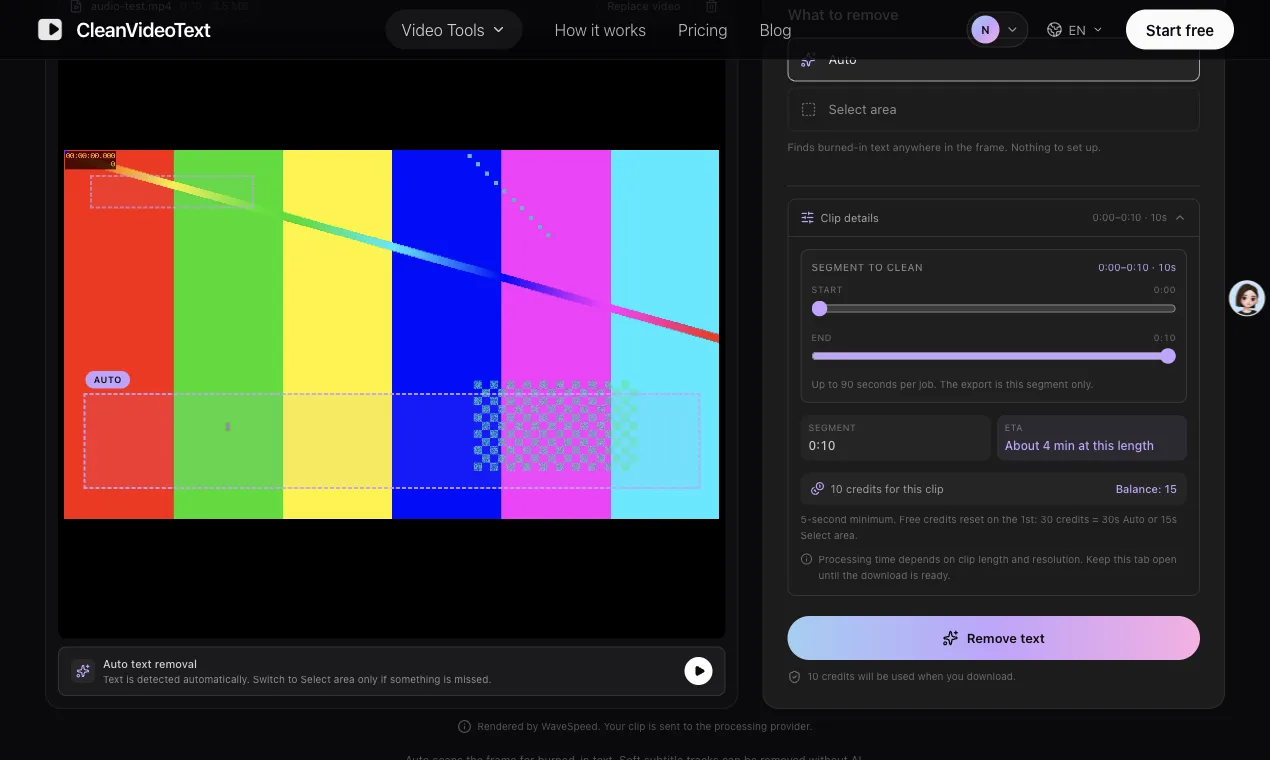
- Upload an MP4 or MOV, up to 200 MB and 10 minutes
- Pick a 5-90 second segment. Only that part is processed and billed.
- Auto scans the frame for text. Select area repaints a box you draw.
- Compare at 100%, then download the cleaned segment.
Where it works best
Stable backgrounds and fixed text positions give the cleanest rebuild. Faces, hands and fast motion are the hard cases, so test the most difficult five seconds before processing a longer clip.
Pricing
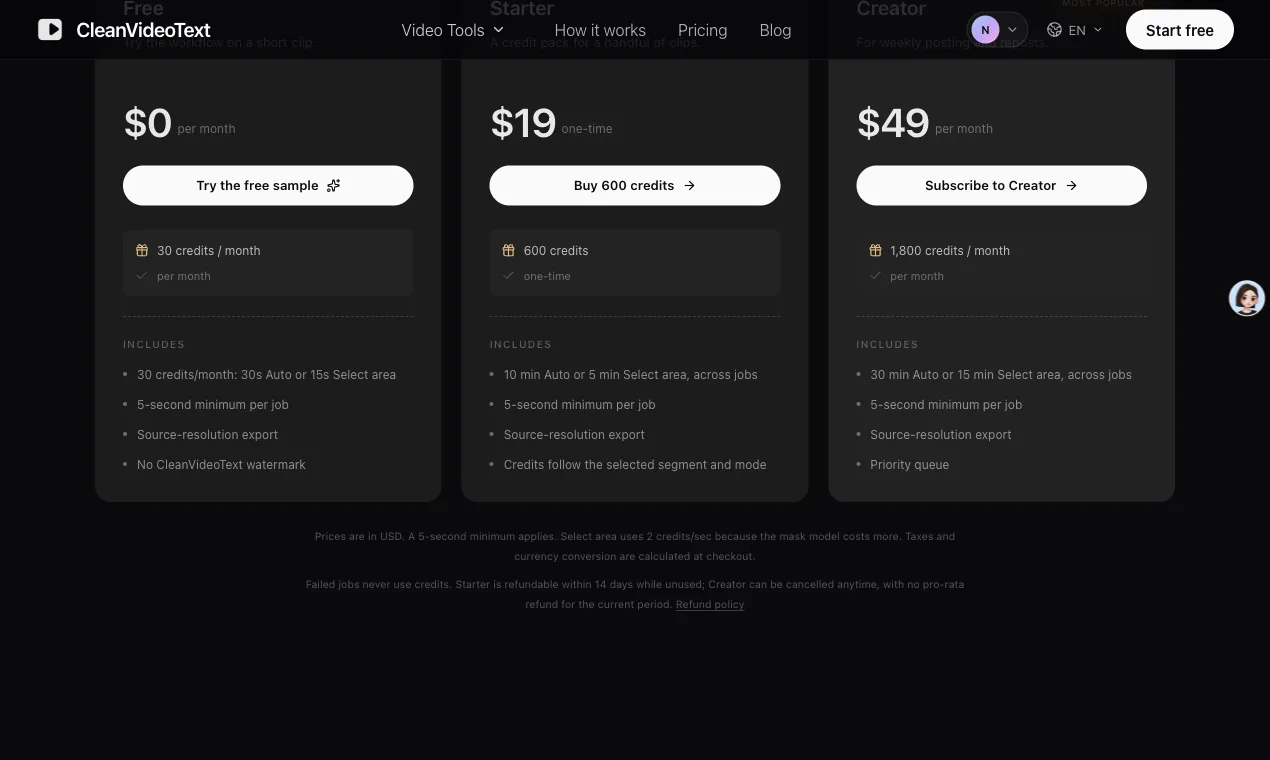
Free accounts get 30 credits a month. Starter is $19 one-time for 600 credits; Creator is $49 a month for 1,800 credits. No watermark on exports.
Feedback I'd like
I'm mainly interested in where the rebuild fails: moving captions over faces, thin fonts over patterned backgrounds, and anything that would make you crop instead.
Start here: remove subtitles from video or the free video text remover.
Use only footage you own or are licensed to edit.
 @nice2culuvs
Maker on sideprojects.net
View profile
@nice2culuvs
Maker on sideprojects.net
View profile